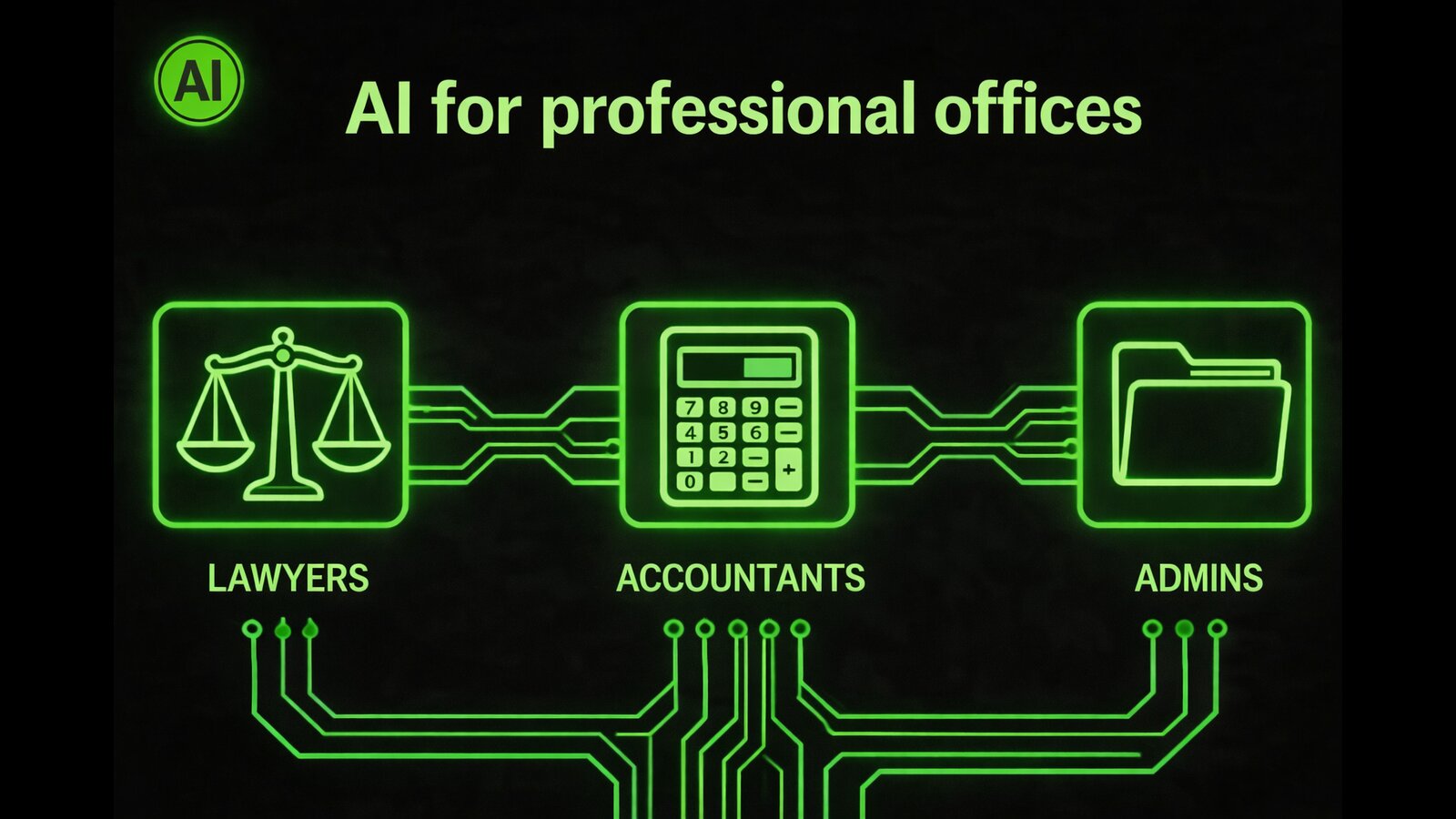
If you run a professional firm —whether law, tax advisory, accounting, or consulting—, you probably recognize this pattern: your team is good at what they do, but they spend an absurd part of their time on tasks that aren't their real job. Sorting emails. Answering the same questions over and over. Copying data from one system to another. Searching for a document in poorly organized folders.
AI is not going to replace your team. But it can take on those tasks and give them back hours each week to do what really matters: advising clients, solving complex cases, generating value.
This guide is practical. No hype. For real firms with teams of 3 to 30 people who want to understand what they can do with AI today, what results to expect, and how to get started without disrupting their operations.
The 5 problems shared by all professional firms
Regardless of the sector —labor, tax, civil, commercial— professional firms share a very similar operational structure. And with it, the same bottlenecks.
- Overload of repetitive inquiries. A high percentage —between 40% and 60% according to our diagnostics— of the inquiries a firm receives are variations of the same questions: filing deadlines, required documentation, status of a case, fee amounts. Your team answers them manually, one by one, every day.
- Chaotic document management. Emails with attachments, server folders, documents on WhatsApp. Without an automatic classification system, locating the right contract or client X's receipt can take 10 minutes. Multiplied by 20 times a day, that's more than 3 hours per person lost weekly.
- Client follow-up that doesn't scale. Proactive follow-up —deadline alerts, documentation reminders, status updates— is done manually or simply not done. The result: clients who feel abandoned and workloads concentrated on critical dates.
- Slow and non-standardized onboarding. Each new client involves a series of repeatable tasks: gathering documentation, creating the file, sending the welcome, explaining the process. Without automation, this consumes between 1 and 3 hours per client and depends on whoever is available that day.
- Manual reporting and billing. Generating a monthly report for a client, calculating fees by hours, or preparing billing requires gathering information from multiple places. In firms without integrated ERP, this is done in Excel. With everything that implies in time and errors.
These five problems have something in common: they are repeatable, structured processes that don't require professional judgment to execute. They are exactly what AI can take on.
What AI can do in a firm today (and what it can't)
Before getting into specific applications, it's worth being honest about the limits. AI in 2026 is very capable, but it's not magical.
What AI can reliably do today
- Answer frequently asked questions with information from your knowledge base
- Classify and route incoming emails, documents and requests
- Draft standard communications (welcomes, reminders, acknowledgments)
- Extract structured data from documents (invoices, contracts, forms)
- Generate summaries of files or meetings
- Send automatic alerts and reminders based on calendar or events
- Qualify leads and schedule first consultations without human intervention
What AI should NOT do without professional supervision
- Issue binding legal or tax opinions
- Make decisions about case strategy
- Sign or validate legal documents
- Interact with official agencies autonomously
- Manage conflict or emotional situations with clients
The practical rule: if the task requires the judgment of a licensed professional, AI is an assistant. If the task is to execute a known and repeatable process, AI can lead it.
The 6 most profitable processes to automate
These are the processes where firms get the fastest and most measurable ROI.
1. Automatic reception and classification of documentation
When a client sends documents —by email, WhatsApp or own portal—, an AI agent can receive them, identify what type they are (invoice, contract, payslip, ID), assign them to the correct file and notify the responsible professional.
- Tools: Make + Claude API + document management system
- Implementation time: 2-3 weeks
- Typical impact: -80% of manual classification time
2. 24/7 customer service agent (WhatsApp + web)
An agent trained with the firm's knowledge answers FAQs, reports the status of files, requests pending documentation and schedules first consultations — all without team intervention.
- Tools: WhatsApp Business API + Claude API + knowledge base
- Implementation time: 3-4 weeks
- Typical impact: 60-75% of inquiries resolved without human intervention
3. Automated onboarding of new clients
From the moment the client signs the contract: personalized welcome email, link to portal to upload documentation, checklist of what you need, automatic follow-up if they haven't completed the steps.
- Tools: Make + forms + email automation
- Implementation time: 1-2 weeks
- Typical impact: from 2-3 hours to 15 minutes per new client
4. Deadline alerts and reminders
The system monitors critical dates (filing of declarations, contract renewals, legal deadlines) and sends automatic reminders to both the team and clients, with the necessary lead time.
- Tools: n8n + calendar/ERP + WhatsApp or email
- Implementation time: 1-2 weeks
- Typical impact: near-total elimination of incidents from forgotten deadlines
5. Generation of standard document drafts
Lease agreements, communications to agencies, demand letters, status reports. AI generates the draft with the client's data; the professional reviews and signs.
- Tools: Claude API + templates + management system
- Implementation time: 2-4 weeks depending on number of templates
- Typical impact: -60% of drafting time on standard documents
6. Automatic reporting for clients
Each month, the system consolidates the file data, generates an activity report and sends it to the client automatically. No more preparing PDFs by hand on the 30th.
- Tools: n8n or Make + firm data source + PDF generation
- Implementation time: 2-3 weeks
- Typical impact: 3-5 monthly hours recovered per professional
Real cases: results in firms in Barcelona and Madrid
The following examples are representative of real projects. Names are fictitious to preserve confidentiality.
Labor law firm (Barcelona, 6 people)
Initial situation: 30+ daily emails with repetitive inquiries about leaves, dismissals and benefits. Two administrative staff spent 40% of their time responding.
Solution implemented: AI agent on web and WhatsApp with the firm's labor knowledge base, integrated with the CRM to detect if the inquirer was already a client.
Results at 90 days:
- 68% of inquiries resolved without human intervention
- Response time: from half a day to less than 2 minutes
- The two administrative staff recovered ~12 hours per week for value tasks
Tax advisory (Madrid, 4 people)
Initial situation: tax season with total collapse. The team couldn't keep up with incoming documentation: clients sent PDFs by email, WhatsApp and even by mail.
Solution implemented: client portal with documentation upload + automatic AI classification + notification to the responsible advisor when the file was complete.
Results in the first campaign with the system:
- Reception and classification time: from 3-4 hours daily to less than 30 minutes
- Document assignment errors: from ~8% to virtually 0%
- Team satisfaction: "Finally we do advisory, not administration"
How to implement AI in your firm without disrupting the business
The biggest mistake firms make when implementing AI is trying to automate everything at once. The result is a project that drags on, the team resists, and ROI is slow to appear.
The methodology we apply at Isenzo IA follows three principles:
First the diagnosis, then the solution. Before choosing any tool, we map which processes consume the most time, which have the highest error rate, and which are most repeatable. The diagnosis is the foundation of everything.
Start with the process that hurts the most. If your main problem is the volume of inquiries, start with the customer service agent. If it's documentation, start with classification. A well-automated process generates confidence and budget for the next one.
Implementation in phases, with the team. Each automation is deployed in parallel with the manual process for 2-3 weeks, until the team validates it and feels comfortable. Nobody is left without a safety net.
The realistic timeline for a medium firm (6-15 people):
- Weeks 1-2: diagnosis and process map
- Weeks 3-6: implementation of the first process (agent or classification)
- Weeks 7-10: second process
- Month 3 onwards: optimization and expansion
The real ROI: how much can a firm save with AI
The numbers we mention to clients always start from a conservative premise. Better to promise little and deliver a lot.
Base calculation for an 8-person firm:
- Customer service (AI agent): 8-12h/week saved — €12,000-18,000/year
- Document classification: 4-6h/week — €6,000-9,000/year
- Client onboarding: 2-3h/week — €3,000-4,500/year
- Alerts and deadlines: 2-4h/week — €3,000-6,000/year
- Document drafts: 3-5h/week — €4,500-7,500/year
- Total estimated: 19-30h/week — €28,500-45,000/year
Calculation at €30/hour average cost (including social charges).
Against a typical implementation investment of €3,000-8,000 and maintenance of €290-490/month, ROI is reached in 2-4 months.
And this without counting the indirect impact: fewer errors, better client experience, greater capacity to grow without hiring, and a team that enjoys their work again.
Frequently asked questions
Do I need to change my current management software to implement AI?
In most cases, no. The solutions we implement integrate on top of your current stack —whether a firm ERP, Google Workspace, or even server folders— through APIs and connectors. The goal is to add intelligence on top of what you already have, not to reinvent your infrastructure.
Is it safe for an AI agent to access my clients' information?
Confidentiality is critical in any professional firm. The systems we design work in secure environments, with encrypted data and without any information leaving your controlled environment. We don't use platforms that store client data on shared servers.
How long does it take the team to adapt?
The adoption curve is usually shorter than expected: 2-3 weeks for the team to trust the system. The key is in the parallel validation phase: the agent responds, the team supervises, and trust is built with real results.
What happens if the agent makes a mistake?
All systems include escalation mechanisms: when the agent can't answer or detects a situation that requires professional judgment, it derives to the corresponding human immediately. No inquiry is left unanswered.
Is your firm ready to take the step?
AI is not the future of professional firms. It's the present. Those implementing it now have a real competitive advantage: they serve faster, make fewer mistakes, and can grow without proportionally scaling personnel costs.
The first step requires no commitment. At Isenzo IA we offer an initial diagnosis where we analyze your current processes, identify the 3-5 automations with the greatest impact for your specific firm, and give you a clear roadmap with cost, timeline and ROI estimates.
Request your diagnosis at isenzo-ia.com/diagnostico — or contact Rafa Vidal directly at rafael.vidal@isenzo-ia.com or +34 692 439 218.
No commitment. No technical jargon. With real numbers on the table.